🚀 New important updates on the platform and in the app!
💻 ECOM SHOP
The new updates from last week are already waiting for you to activate them on your site!
🏷️ 1. Set the discount percentage right in Promotions and it will be applied to all products in it!
Now you have the ability to set the discount % in a Promotion, add products to it, and this discount will be applied automatically to the products in it. This way you can set a discount for a category, brands or individual products, without having to change the price of each product manually!
☝️ What to keep in mind - the discount percentage does not apply to products that are already on discount. ⚙️ How to set it up? Create a Promotion, set the discount %, the validity period, and in the "Relations" tab select the products you need (if you choose a category or a brand - the products will be added automatically).
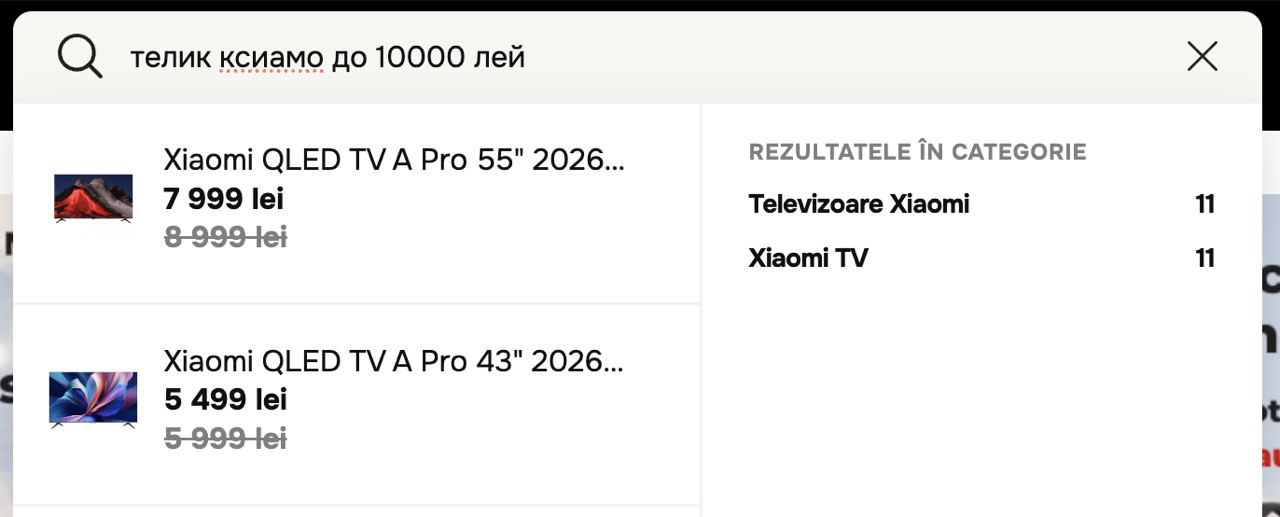
🕵️♂️ 2. The new smart search is now available on ECOM!
Be among the first to test the new search on your site. This is version 3 of our search engine, created based on all your feedback ☺️
👏 How does it work? It recognizes slang, filters correctly, accounts for spaces, searches in multiple languages, corrects typos and much more. Just try it and you'll see why you need it on your site!
⚙️ How do you enable it? Ask our support team to enable version 3 of the search on your site - it takes just a few minutes.
📦 3. Grouping / separating products into cards with a single click
A useful update for those who actively use product groups! Now you can specify for a particular group whether you want the products to be combined into a single product card or shown as separate cards. At the same time, the variations (color, size, etc.) remain available within the product.
⚙️ How do you set it up? In the product group, check "Show products separately" for separate cards, or leave it unchecked for a single card.
⚡ 4. Easier order management from the Admin Panel
We know how important it is for you to process orders quickly and conveniently, so we added more sorting and filtering options to the Orders section of the admin panel. Also, a bulk action "Order confirmation" was added.
☑️ For bulk confirmation, simply check the orders you need, then go to the bulk actions list and choose "Confirm orders".

👕 5. New product sets functionality
Now on ECOM you can create sets of products!
How does it work? Create, for example, 3 products. In the main product, go to the "Products in set" tab and add the products it includes!
☝️ What to keep in mind! The main product will be the set's main card, but it cannot be added to the cart - only the products it includes can be bought separately.
🔗 6. Improved integration with "MoySklad"
The integration with MoySklad has been improved for:
- importing product images
- correct transmission of orders from the site to MoySklad
- reading modifications for grouping products
🐞 7. Stability improvements and fixes
We keep improving the platform, and in this release we resolved a number of technical issues for more stable and predictable operation.
🌐 New sites:
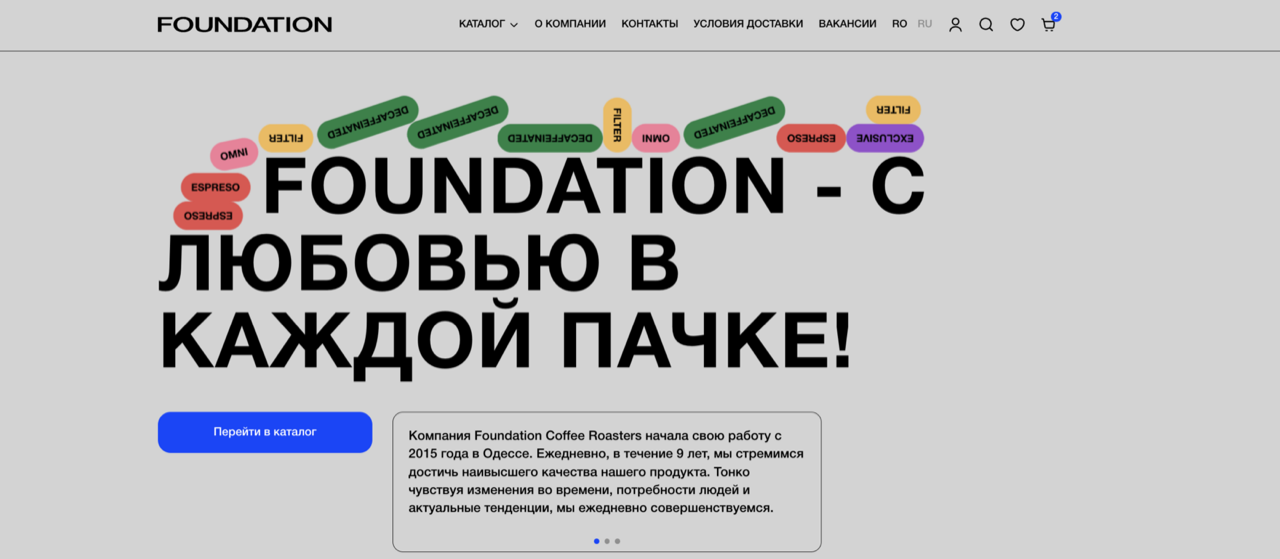
Foundation.md - now you can order premium coffee with online payment and delivery throughout Moldova!
📱 ECOM APP
The mobile part of the platform helps companies create a mobile app for their online store faster. What's new in the app? ☝️ The app now has a brands page with that brand's products!
📲 New app — now available on Google Play and the App Store:
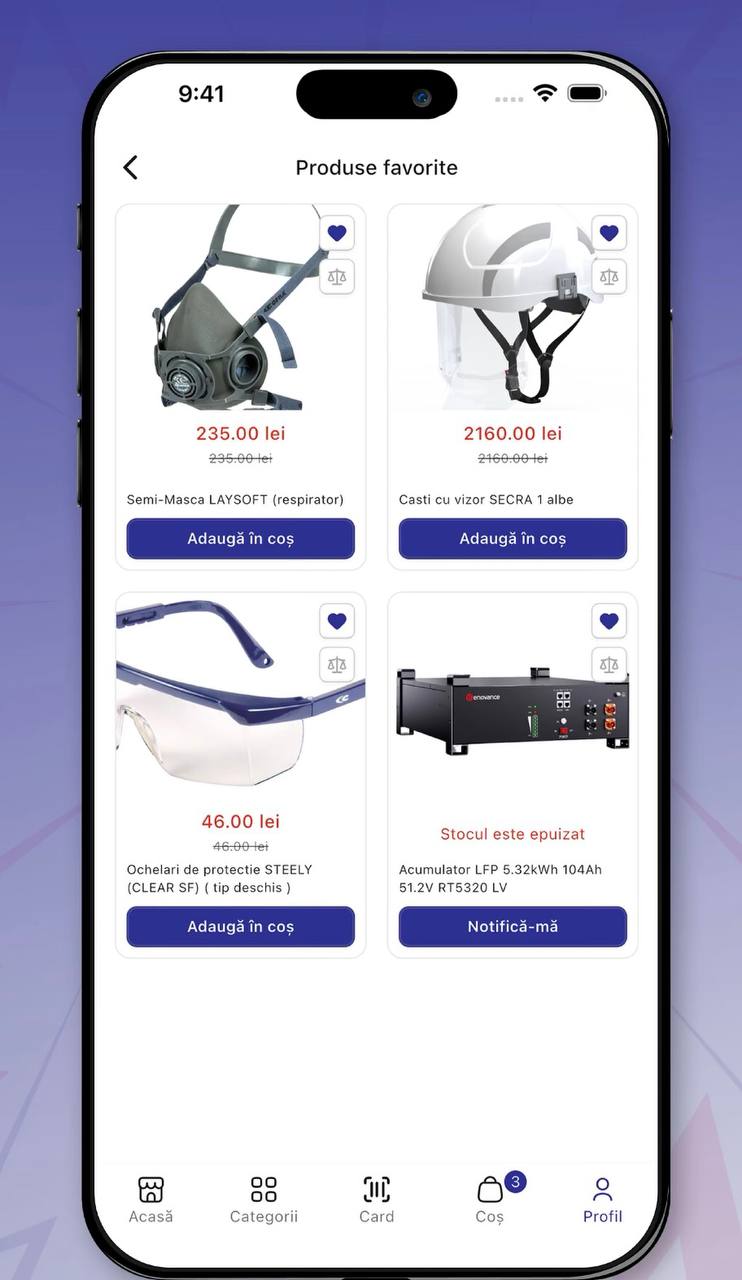
Habsev - now you can order lighting systems, solar panels and protective equipment directly from the app!
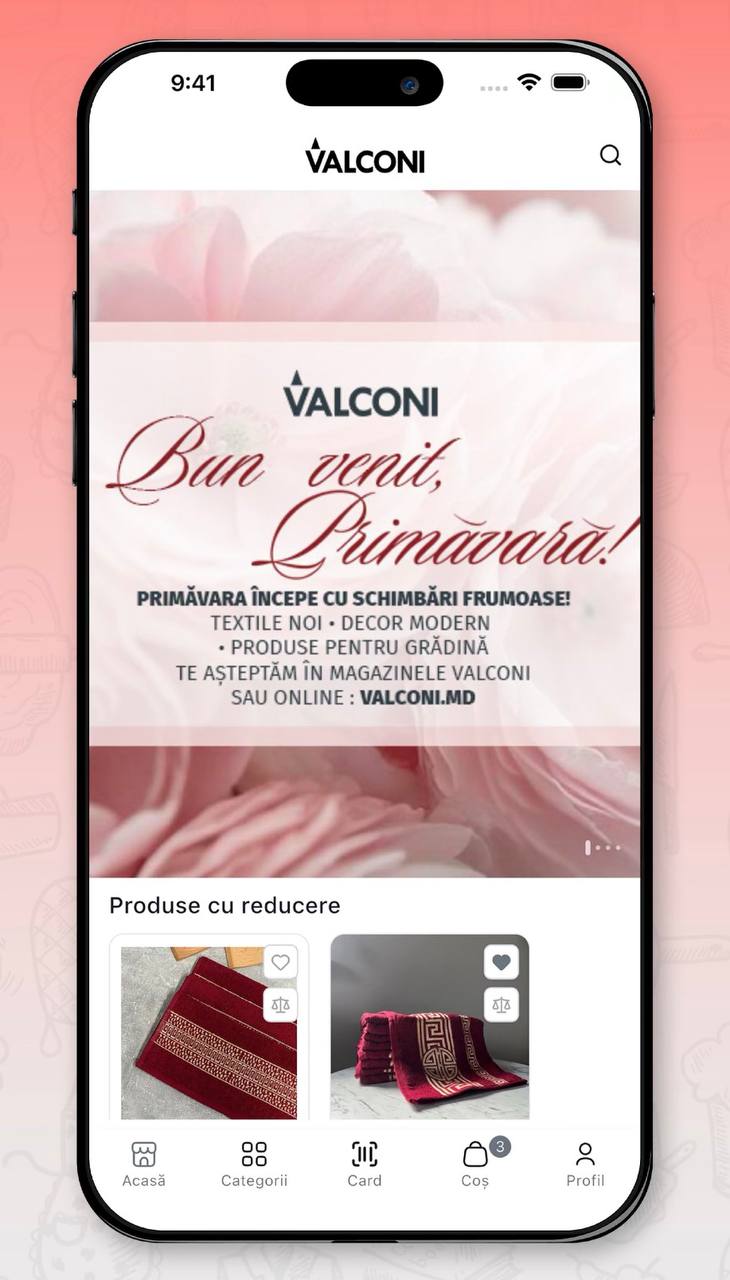
Valconi - now available not only in the browser, but also on your phone! Order home goods and clothing in just a few clicks in the new app!